









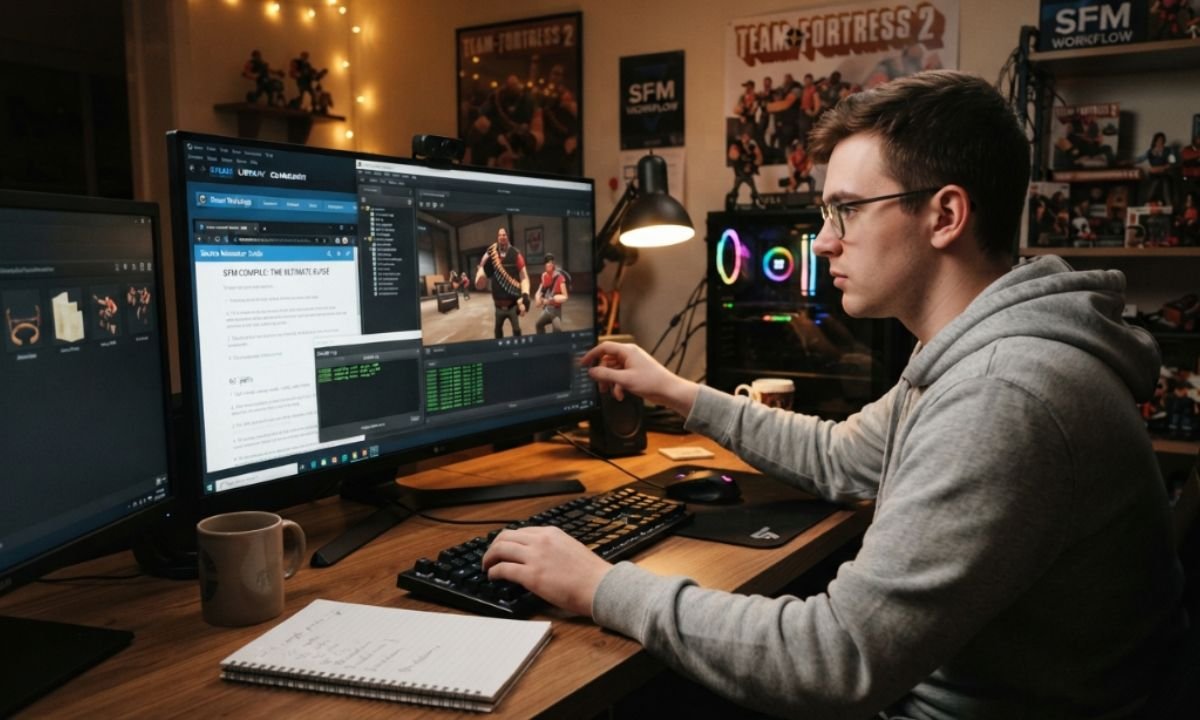
Anyone who has spent time with Source Filmmaker eventually hits the same wall. You find or build a great character model, drag it into your scene, and it either refuses to appear at all or shows up wrapped in a magenta and black checkerboard. Nothing in the program tells you what went wrong. The missing piece is compiling, the step that turns raw 3D files into something the Source engine can actually understand. This guide explains that process from beginning to end in plain language, covering the tools, the files, the common failures, and the reasons this fifteen-year-old pipeline is still worth learning.
What SFM Compile Actually Means
Compiling is translation. Source Filmmaker cannot read a Blender file, an FBX, or an OBJ, so anything custom has to be converted into the binary format the engine expects. The path runs from the 3D model, to an SMD or DMX export, to a QC script, through StudioMDL or Crowbar, and finally out as a compiled Source model that SFM can load. Every custom prop, character, and vehicle you see in the community went through those same stages.
There is a second meaning worth clearing up, because it causes confusion for newcomers. Some people use the word compile to describe rendering a finished animation into a video file. That is a different operation entirely, handled inside Source Filmmaker itself rather than by any external compiler. This article covers both, but the technical heart of the subject is asset compilation.
The Files Behind Every Compile
A handful of extensions do all the work, and the process stops being mysterious once you know what each one holds. On the authoring side you have SMD, a simple text format that stores mesh data, skeletons, or animation frames, and DMX, Valve’s more capable exchange format. DMX files carry more advanced model and animation data, which makes them particularly useful for Source Filmmaker content and later Source engine features. Alongside these sits the QC file, a short plain-text script that acts as the build recipe.
On the output side, a successful compile never produces just one file. The MDL holds the model’s information and structure, the VVD holds vertex and geometry data, the VTX holds optimised rendering data, and a PHY file carries physics and collision information when one is included. Textures live separately again, as VTF image files paired with small VMT text files that tell the engine which shader to apply. Understanding that split between authoring files, compiled files, and material files explains most of the confusion beginners run into.
The Tools You Need Before You Start
Everything required is free, which is one of the nicer things about this corner of the modding world. The official compiler is StudioMDL, described by Valve as the command-line utility that converts intermediate model formats exported by modelling packages into the binary format the Source engine reads. It ships with Source Filmmaker and sits in the bin folder of the installation, where it works in combination with a QC file.
Most people, however, never touch the command line. Crowbar, built by a community developer known as ZeqMacaw and given away freely, wraps StudioMDL in a simple graphical interface where you load a QC file, point it at your game directory, and click compile. It also decompiles existing Source models, which is how a great many creators learned proper structure in the first place, by taking Valve’s own work apart and reading it. Crowbar arrives preconfigured for more than eighty-five GoldSrc and Source games and mods, so setup is usually a matter of picking Source Filmmaker from a dropdown.
Beyond those two, you will want Blender with the Blender Source Tools add-on, an open-source project by Artfunkel that adds SMD and DMX import and export to a program that otherwise has no idea these Valve formats exist. VTFEdit handles texture conversion, Half-Life Model Viewer lets you inspect a finished model in isolation, and any text editor with syntax highlighting will make QC files far less painful to write.
Preparing Your Model and Writing the QC File
Before exporting anything, get the model itself in order. Apply your modifiers, because they are applied during compilation and a subdivision modifier left active can quietly push a mesh far past the engine’s limits. Apply transforms as well, and check your scale, since Source works in units roughly equivalent to inches and a metric model will compile perfectly while appearing either microscopic or enormous. Keep folder names lowercase and free of spaces, and keep your working files somewhere separate from the game directory itself.
The QC file is where the real thinking happens. It acts as the instruction sheet for the compiler, naming the output model, pointing at the source mesh, declaring the materials directory, listing animations, and describing the physics model. A basic one is only a few lines long. It sets the model name and its destination path, defines the body or bodygroups that hold the geometry, states a surface property so the model sounds right when it collides with things, gives a materials path, and declares at least one animation sequence. That last requirement catches people out constantly, because even a completely static prop needs a sequence entry before the compiler will accept it. More complex characters add bodygroups for swappable clothing, levels of detail, jigglebones for hair and cloth, flex controllers for facial expression, and included animation libraries borrowed from existing models.
Running the Compile and Reading the Log
With the QC written, the compile itself takes seconds. In Crowbar you open the compile tab, select Source Filmmaker as the target game, browse to your QC file, and press the button. From a command prompt you run StudioMDL with a flag pointing at your usermod directory followed by the path to the QC. Either way, the important part is not the button but the log that appears afterwards.
A clean run lists the body parts it processed, the materials it looked for, and the sequences it built, then writes the output files. Anything else is a clue. Run the compiler from a terminal rather than double-clicking it, or the window will close before you can read a word of it. Once you have output, test it in Half-Life Model Viewer before ever opening Source Filmmaker. That single habit separates compile problems from scene problems and saves hours of guessing.
Getting Materials to Display Properly
The checkerboard is the single most recognisable failure in the whole ecosystem, and it always means the same thing. The geometry loaded fine, but the engine could not find a material to put on it. The compiler matches the material name baked into your mesh against a VMT file, so the fix is to open the model in your 3D package, check the exact material name assigned to the faces, and make sure a matching VMT sits in the folder your QC points to with its base texture pointing at the right VTF.
The material file itself is short. Character models normally use a vertex-lit shader with a base texture, often a normal map, and phong settings to control how light catches the surface. World geometry uses a lightmapped shader instead, and anything meant to ignore scene lighting uses an unlit one. Texture dimensions should stay at powers of two, such as 512, 1024, or 2048, because anything else behaves unpredictably or fails outright.
Bringing Game Characters Into Source Filmmaker
A large share of compiling work involves pulling characters out of modern games and into an older engine. This is where the pipeline shows its age. Modern characters carry far more geometry than Source expects, and the compiler places a fairly restrictive ceiling on vertices per object, with a practical working limit of around thirty thousand per bodygroup before things become unstable. The usual remedy is to split the mesh into separate bodies through the QC or to reduce density in your 3D software before exporting.
Shading presents a second obstacle. Modern games use physically based materials built on metallic and roughness maps, while Source uses phong highlights and environment maps, and there is no automatic conversion between them. Expect to adjust values by eye until the result looks convincing. Skeletons are the third problem, since a ported rig rarely matches Valve’s bone naming, meaning existing animation sets will not apply and you will either retarget the rig or animate from scratch. It is also worth remembering that ported assets remain the property of their publishers, and while fan animation is broadly tolerated, selling or reuploading ripped models is not.
Common Compile Errors and Their Causes
Most failures trace back to paths, names, and punctuation rather than anything genuinely complicated. A missing SMD, DMX, or texture referenced in the QC produces a file-opening error, and a single incorrect capital letter is enough to break the link. A model that compiles but never appears in the browser usually has the wrong output path or was never copied into the usermod folder. In one well-documented case, a compiler insisting a model had no sequences turned out to be caused by nothing more than a missing closing quotation mark on the materials line.
Other recurring problems include meshes that distort because bone names differ between the reference file and the animation files, models that appear at the wrong size because of export scale, and compiles that hang indefinitely because of a recursive include or a broken blend. The compile log almost always identifies the file or the QC directive responsible, so the answer is usually sitting there in the output, waiting to be read carefully rather than scrolled past.
Rendering the Finished Animation
Once the assets behave, the last stage is turning your timeline into something you can share. Source Filmmaker exports either a direct video file or a numbered image sequence, and experienced users almost always choose the sequence. Individual frames are lossless, they survive a crash halfway through a long render, and they leave the door open for colour grading and compositing afterwards. Assembling them back into video is a quick job for any editor.
The settings that matter most are sample count, which controls how smooth the edges look, motion blur, which is expensive but immediately makes animation read as film rather than as screen capture, depth of field for cinematic focus, and ambient occlusion for the soft contact shadows that stop characters from looking pasted onto the set. Rendering above your final resolution and scaling down afterwards produces cleaner results than any in-engine setting on its own. For still images, the poster export renders at multiples of the viewport size, which is how high-resolution Source Filmmaker artwork gets made.
Conclusion
Compiling feels impenetrable for about a week and then becomes routine. The underlying loop never changes: prepare the mesh, export it, describe it in a QC file, run it through the compiler, read the log, fix what it complains about, and test the result before building a scene around it. Every advanced technique, from facial flexes to swappable bodygroups to ported game characters, is a variation on those same steps rather than a separate discipline. Start with something simple, a crate or a basic prop, and get it into Source Filmmaker cleanly from end to end. Once that works reliably, the harder assets stop being intimidating and start being ordinary work.